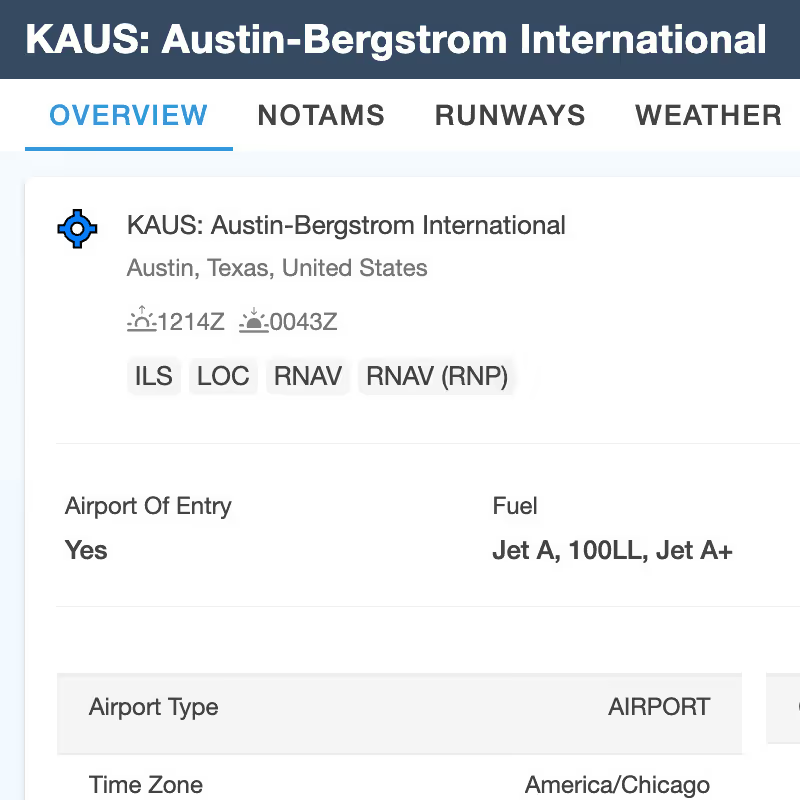
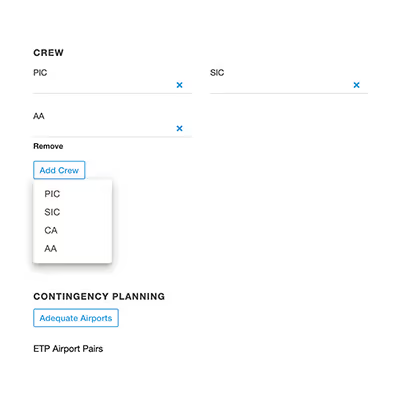
Ensure that there is always an airport within an hour of your planned route and easily view a clear visualization of the coverage areas. You can customize preferences for Adequate Airports by filtering approaches, facilities, ICAO fire fighting codes, and runway length. You can even add or remove airports. ForeFlight Dispatch will also warn you if your route will encounter areas without airport options. The default range is 60 minutes, but you can change that to fit the needs of the regulations that you operate under. In combination with Adequate Airports, will provide an effortless way to ensure that your extended flights are fully covered for contingency plans. You can access Adequate Airports under Contingency Planning when you are flight planning.
Related Releases
More features from

Billing View

Smart Groups for Sub Orgs

Unread NOTAMs

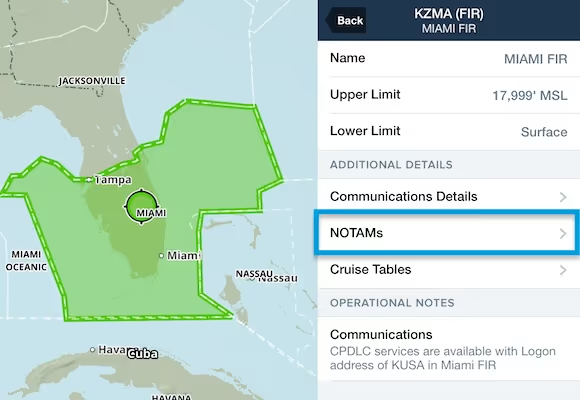
NOTAMs in ARTCC/FIR Details

High Fidelity Custom Airports

Navlog Notes Moved to Flights

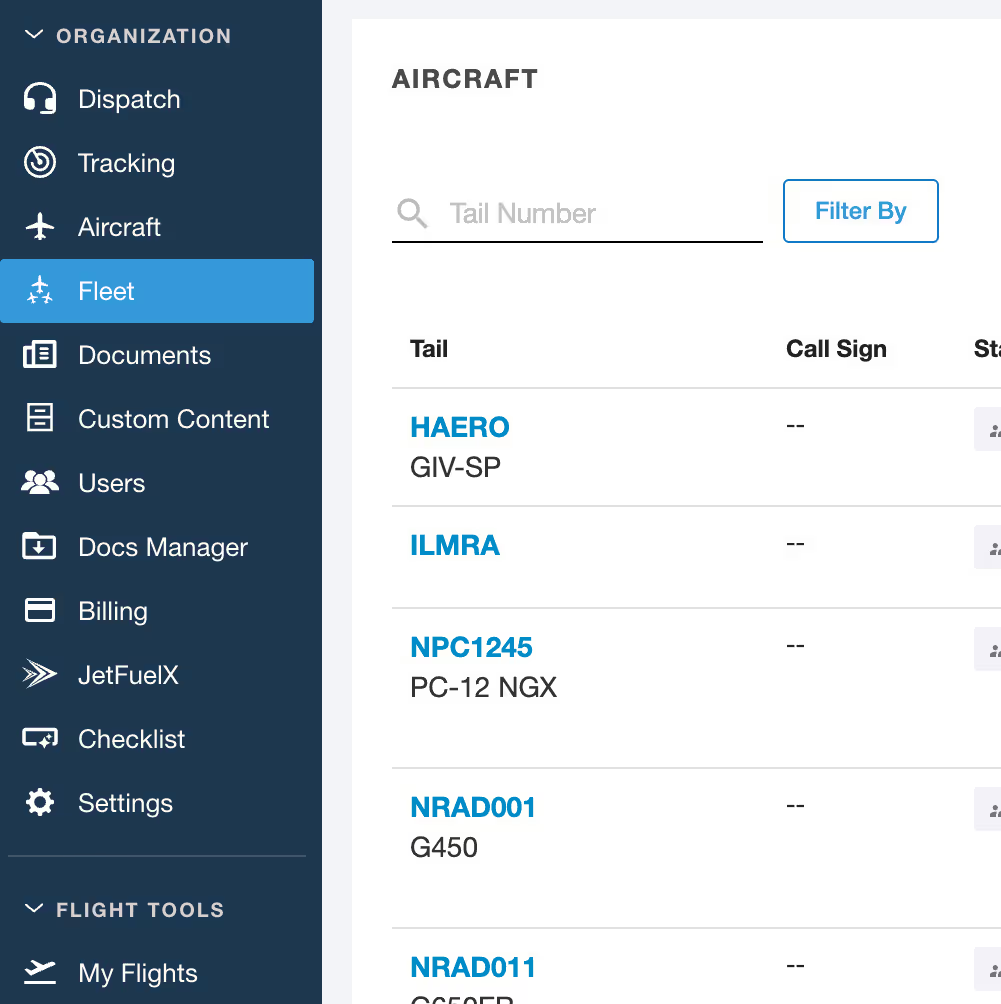
Fleet View

ReFuel Reporting Dashboard

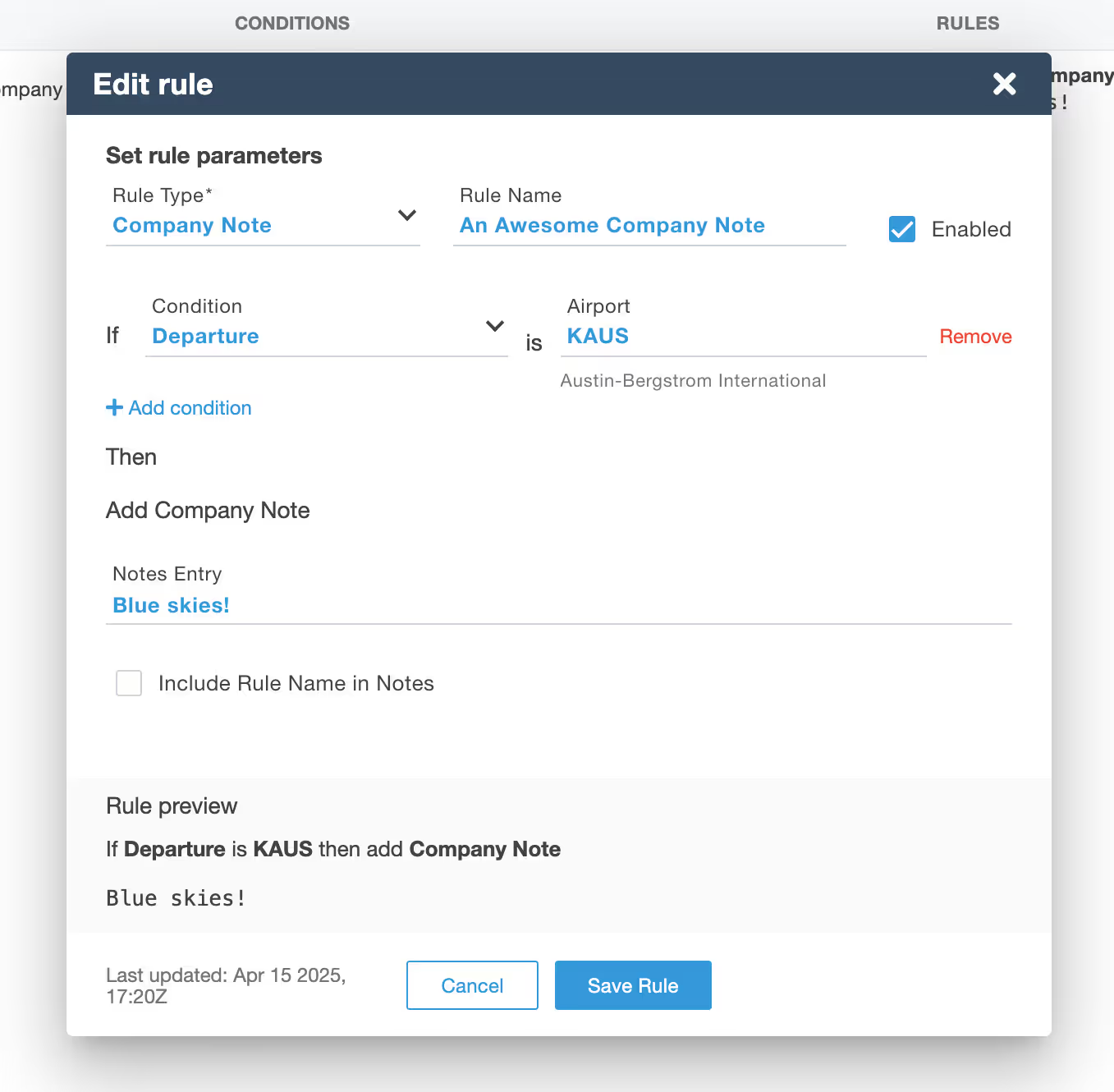
Operational Rule - Planner Notes

Airport Tab (Web)

Updated Airport Information Page

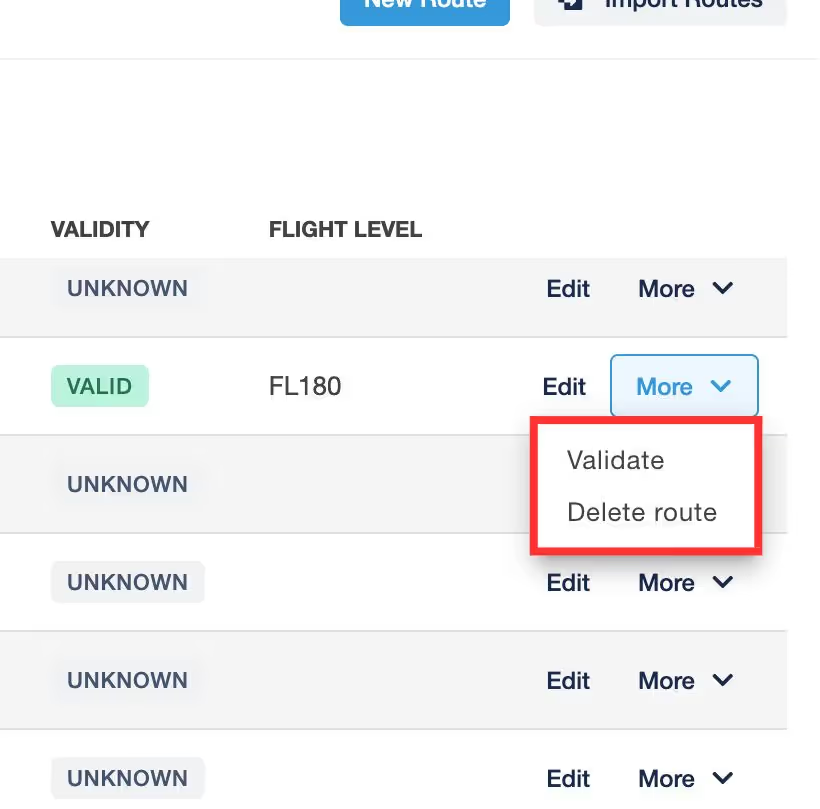
Validate Saved Routes

Critical ETP Scenario

Estimated Flight Cost

Formation Flight Plan Filing

Updated Airport Page Design

Update to NOTAMs

ICAO Reserve Fuel Policy Changes

Custom Auto Routing Configuration

Interval Routing Within Route Builder

Search by Aircraft Type

Search FIRs by Country

Grayed-Out Button When a Flight Plan Is Incomplete

Map Ruler

NOTAM Advisor

Operational Rule Compliance Status in Flights View

Alternate Option in Saved Routes

Exact Matching in Flight List Search

Map Enhancement: Zoom for Airways and Waypoints

Better Custom Navlog Support in ForeFlight Mobile

Contingency Planning: Rename RCF to Reclear if not EASA

API Update Mode in Settings


.jpg)